Roles
List of roles
Here you can manage backoffice roles.
Some roles will be created by default and that means, you can't delete or edit them.
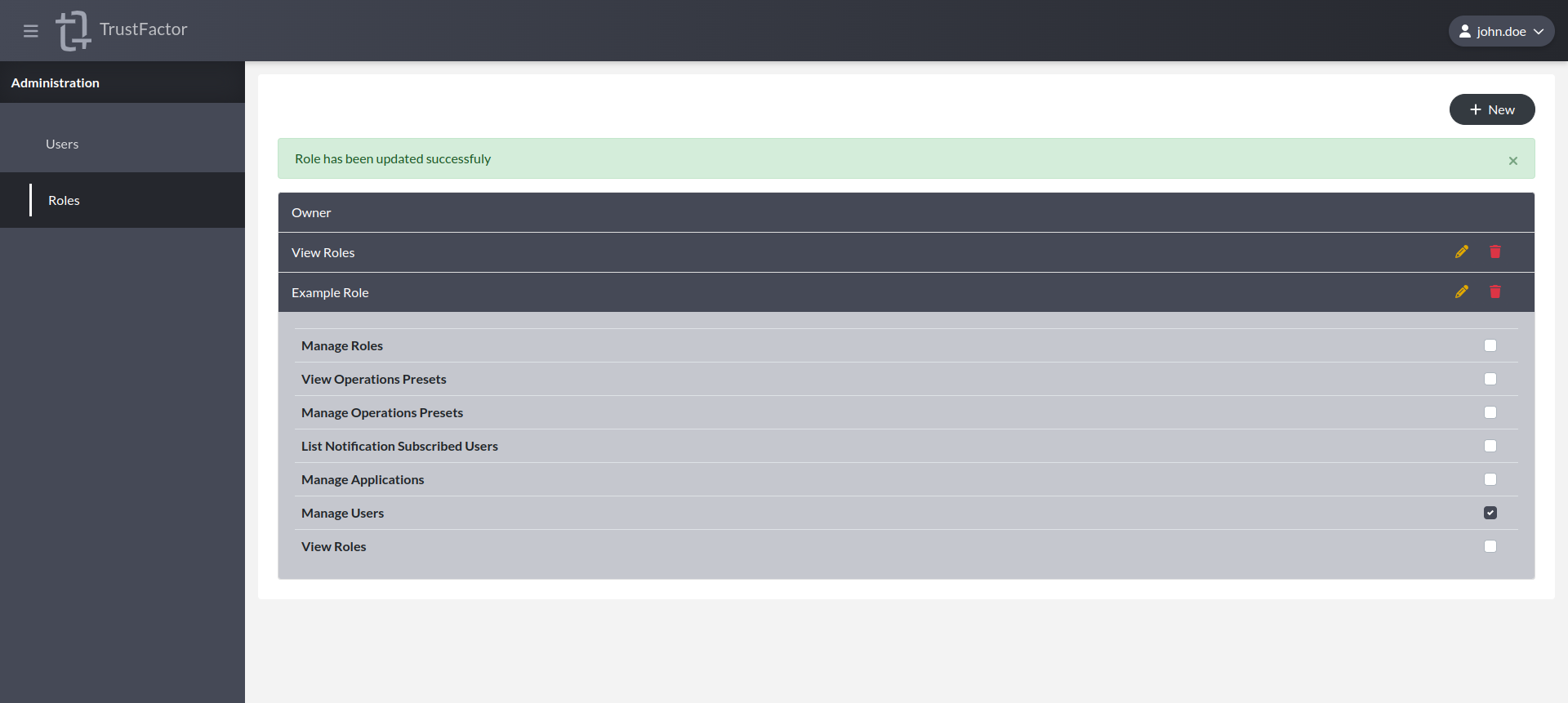
You can create new roles using the different permissions available suitable for your needs.
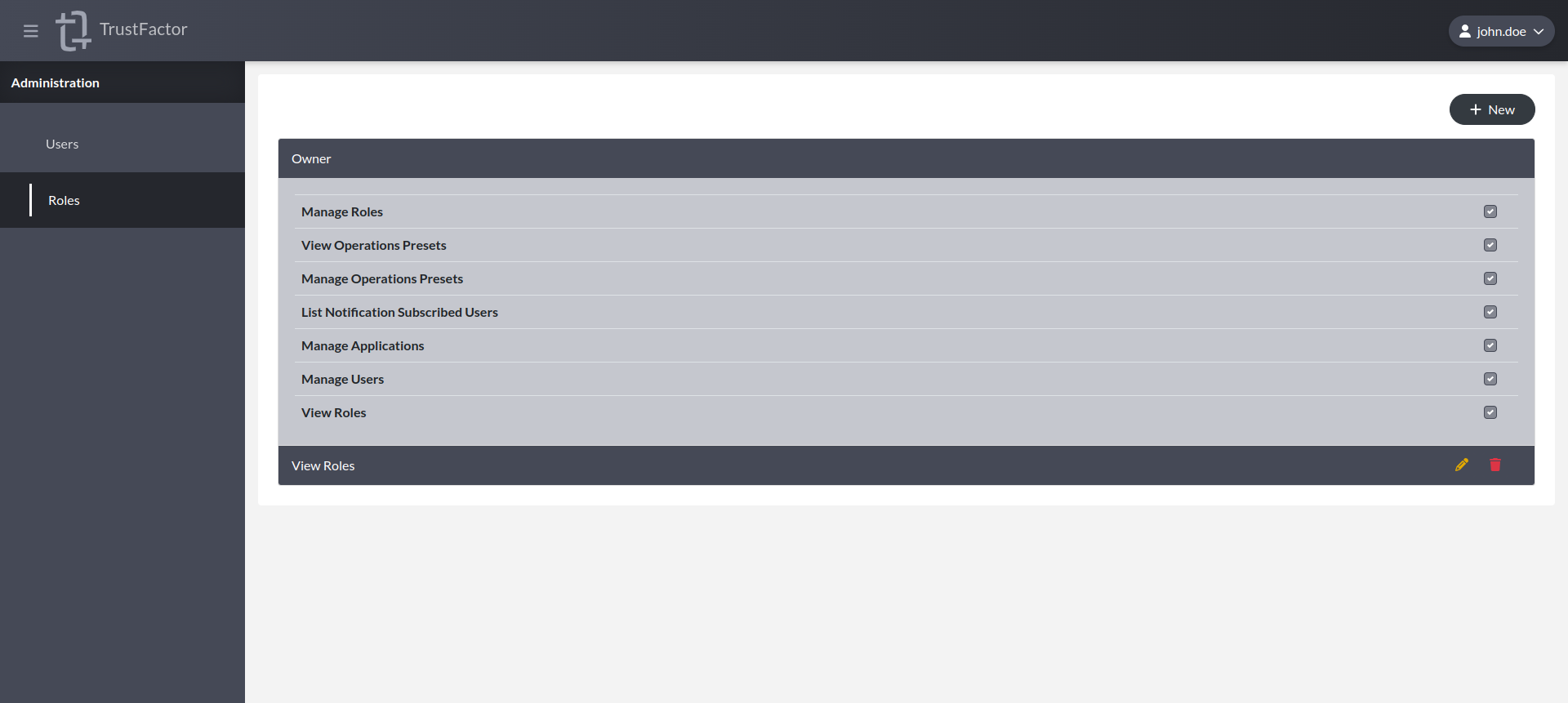
For example, by default you have the Owner role. It has all of the permissions available at the backoffice-level.
Create Role

Edit Role
Backoffice-level Permissions
Below is a list of backoffice-level permissions:
Manage Applications
Backoffice users with "Manage Applications" can create, delete and otherwise manage any application in the backoffice.
Manage Users
Backoffice users with "Manage Users" can assign backoffice-level roles to backoffice users.
View Roles
Backoffice users with "View Roles" can see the different roles available and what permissions they hold.
Manage Roles
Backoffice users with "Manage Roles" can create new backoffice-level custom roles.
View Operations Presets
Backoffice users with "View Operations Presets" can view and use operation presets in their applications.
Manage Operations Presets
Backoffice users with "Manage Operations Presets" can create operation presets for all applications.